Digital Scores Made Simple
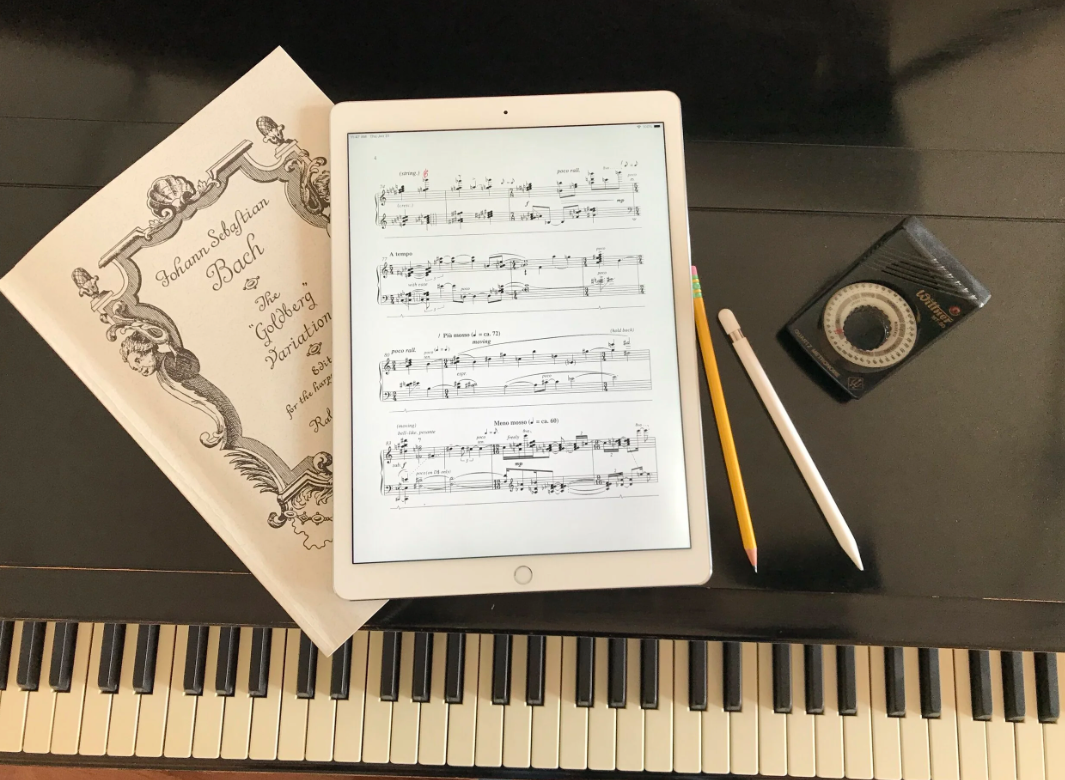
Ready to make the move from paper scores to a tablet?
Join us for a practical livestream on using digital score apps like forScore for iPad and MobileSheets for Android.
We’ll walk through how to import and organize scores, add fingerings and annotations, create setlists, use Bluetooth pedals for page turns, handle repeats, back up your library, and set up your tablet for practice and performance.
You’re welcome to download forScore or MobileSheets beforehand and follow along during the livestream, but it’s not required. You can also simply watch, learn how the apps work, and decide later whether digital scores are right for you.
Whether you already use a tablet or are just curious about getting started, bring your questions for a live Q&A.
8 replies
-
I've always annotated my scores heavily with pencil, but I'm trying to get comfortable using ForScore on my iPad Pro -- because this combo offers so many potential advantages and efficieincies.
But I'm finding that for me it's very slow going. I always have to go back and edit my markings: for example, when adding a fingering or a slur or other marking, my hand might slip a little, making for a very messy or inaccurate marking which then I must go back to, erase, re-enter, and so forth; or if I'm trying to edit a textual entry, I have to fiddle with getting the cursor in the right place, or I accidntally start a new entry in the wrong place, etc. etc. and so I get totally distracted by wrestling with the interface when all I might want to do is make a simple annotation that has occurred to me and then get back to my practicing. More often than not, I lose my patience and reach instead for my pencil.
I assume that others have gone through this same process and that it gets better with practice and experience?? I'd love to hear about other players' comments, experiences, and tips & tricks, and I'll be attending and watching this event with great interest!