Sight Reading app recommendations
Hi, I'm wondering if anyone can recommend a good app / website for improving sight reading? I have downloaded the Schafer exercises recommended by Dominic, but I'm also hoping to use an app.
I have a digital piano, so can use midi for feedback. Also I have an iPad, so can use iOS apps. Seems a shame not to make use of the technologies available to me!
Thank you!
24 replies
-
Hi Victoria,
READ AHEAD I find well structured and is built with progressive increments in mind.
-
Hi Victoria. Check out Facebook group called sight reading community.
You get sight reading tips David Holter is hosting a 3 day free workshop starting 27 sept. It's a nice community with regular sight reading tips. I have also completed the Sparks sight reading course. Here you get personal tuition and visual exercises. You might want to check it out.
-
I would recommend Piano Marvel with a midi keyboard.
-
Dr. Kate Boyd has a couple of youtu.be videos on sight reading, including one where she reviews four such apps.
-
Check out Piano Marvel at https://pianomarvel.com/ . I use it and it works great.
It's also highly recommended for sight reading by Josh Wright.
-
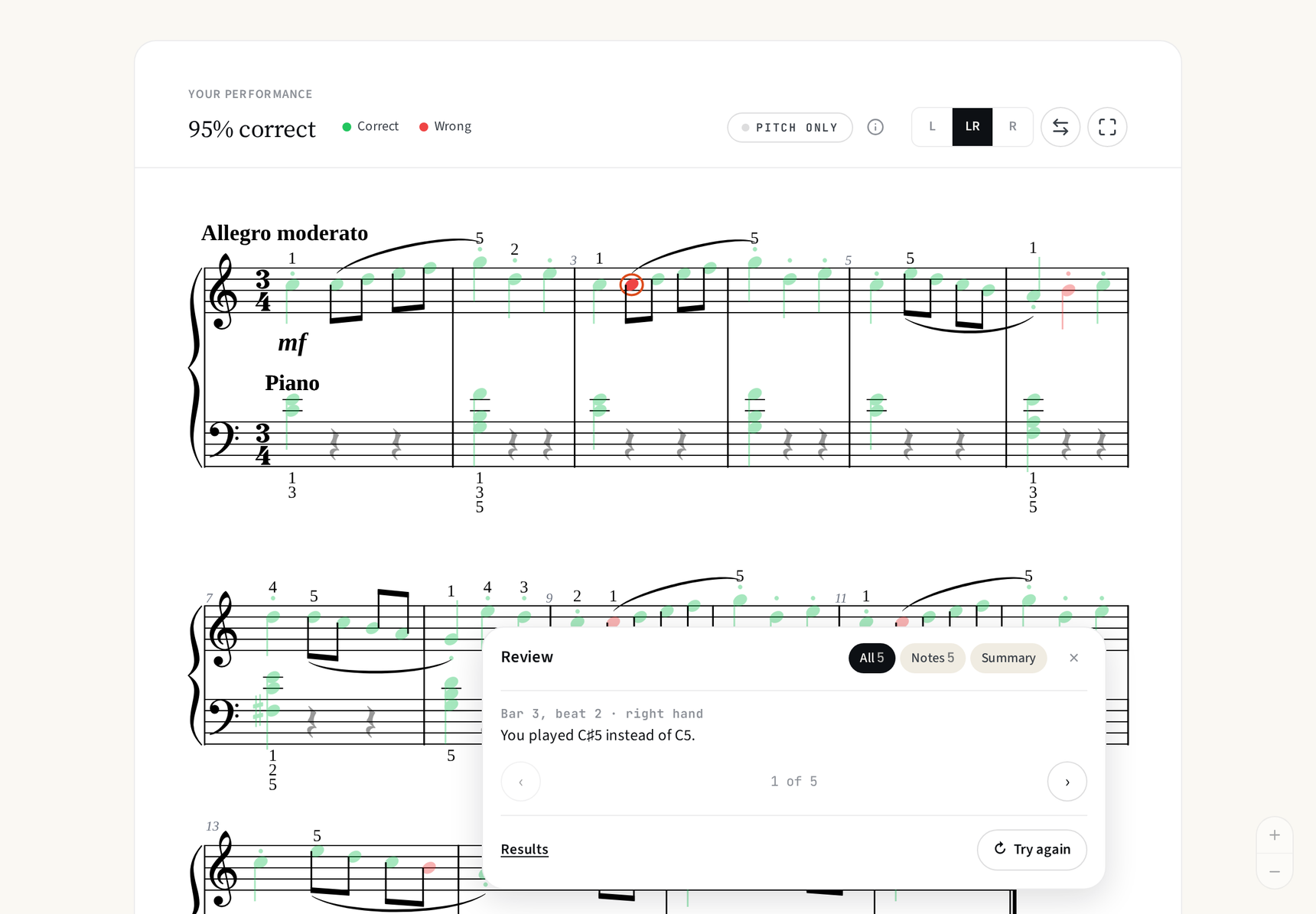
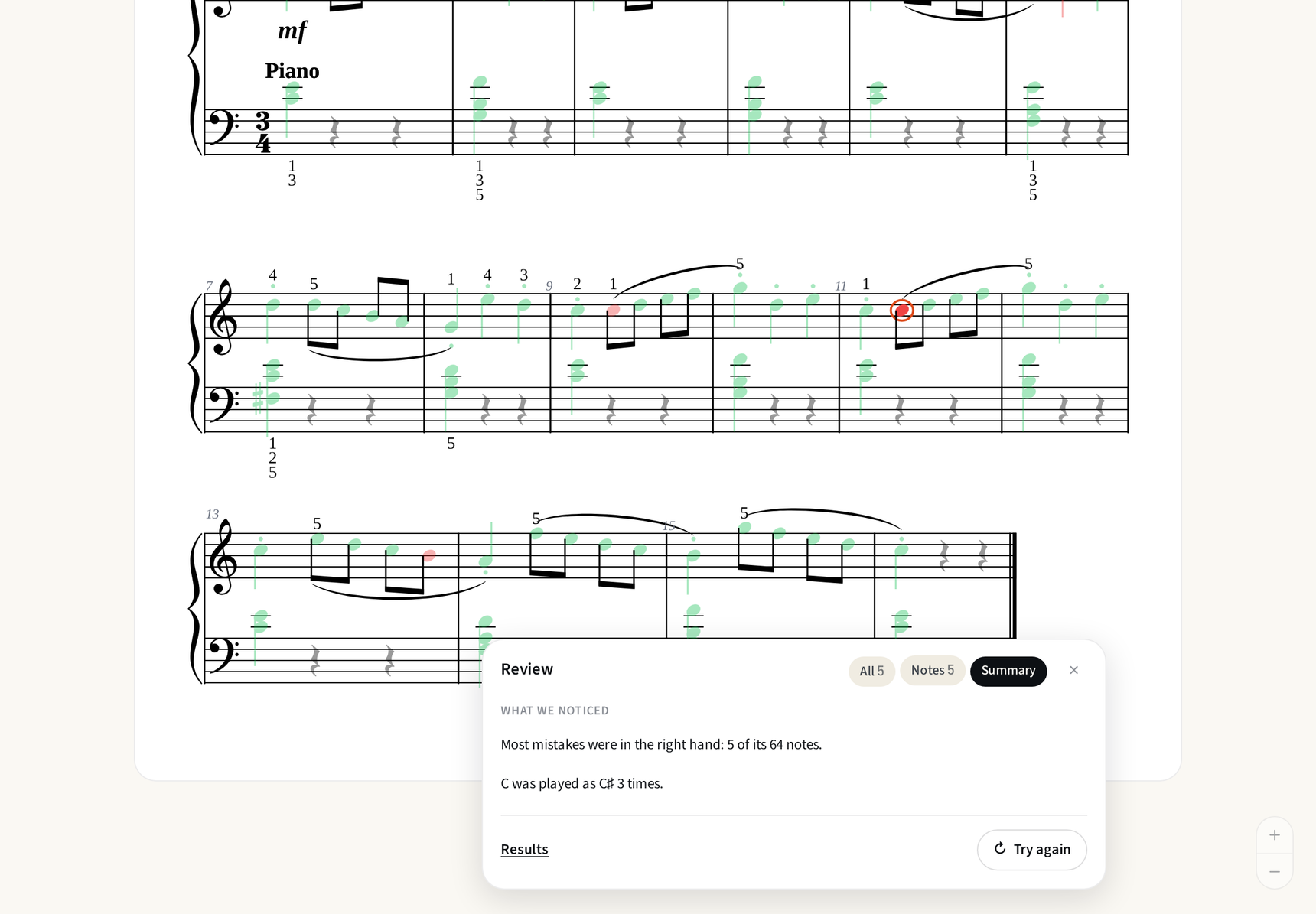
Look into Piano Marvel - well worth it if you stick with it. It has assessment tools to help you see where you are and to track your improvement, plus you will have access to their huge library. The Sight Reading assessment goes from very beginning to Advanced (Bach WTC, etc). you will need midi keyboard and laptop. You can read the repertoire in their library from tablet on acoustic piano, but only the midi setup will do the sightreading assessments to show you exactly which notes/rhythms you got correct (green notes) and where errors occurred (red notes) You receive a score for each exercise or piece.
-
Hi Victoria, great that you have a MIDI keyboard and an iPad, that combination opens up the most useful options.
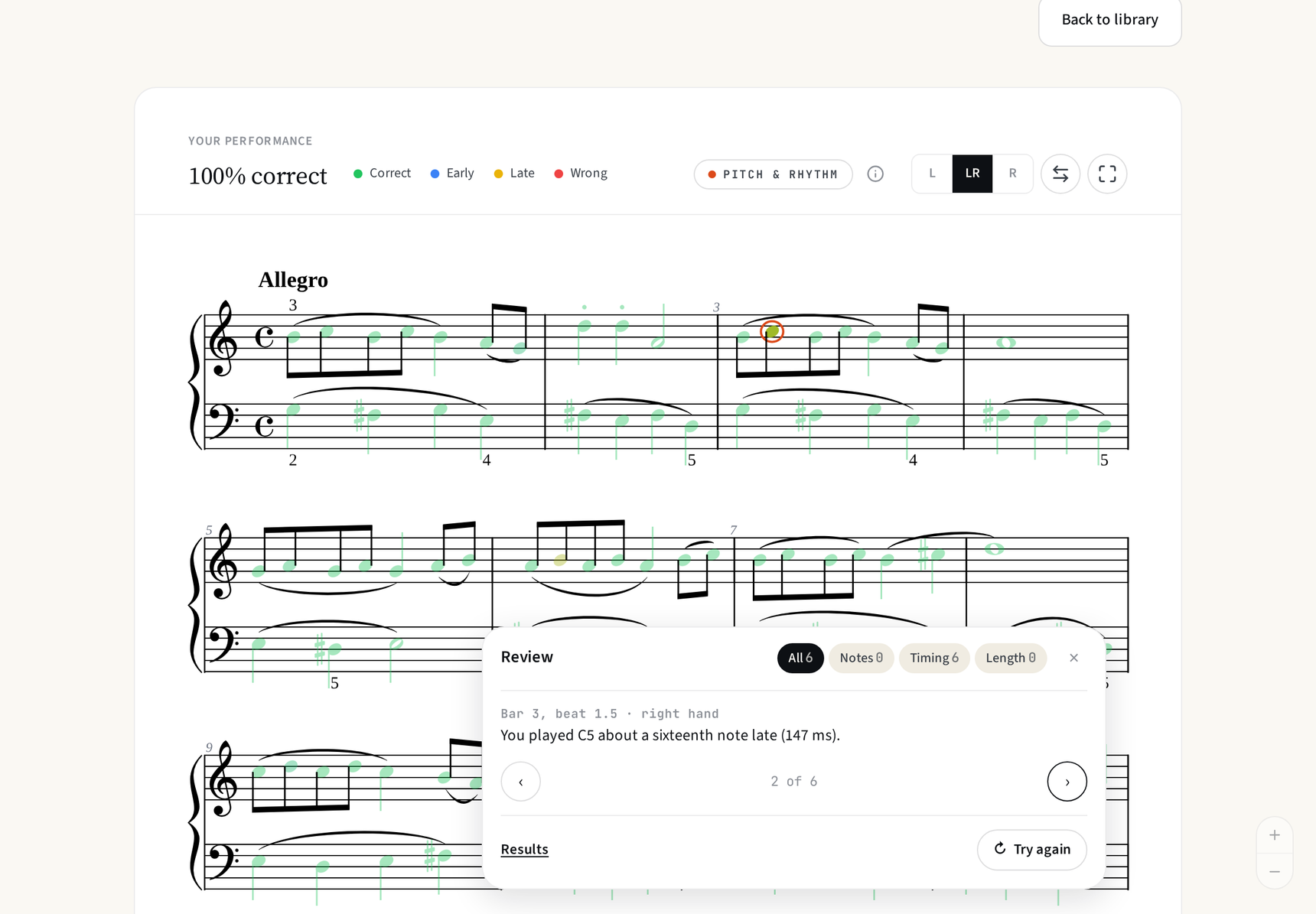
One app worth looking at that does not get mentioned as often in these threads is Piano Tree (piano-tree.com). It was built specifically around sight reading rather than song learning, which makes a real difference. It uses real pieces rather than generated exercises, gives real-time feedback on both pitch and rhythm through MIDI, and sequences difficulty in a way that feels genuinely musical. The level structure goes from single melody lines right through to four-voice chorales and Bach-style writing, so there is a long runway. Works well on iPad with a MIDI keyboard and there is a free trial.
Piano Marvel also comes up a lot and has a large library with a useful assessment score if that kind of tracking motivates you. The interface is dated but it is functional.
The key thing with any of these tools is daily short sessions rather than occasional long ones. Ten minutes every day beats an hour on the weekend. And whatever you use, do not stop when you make a mistake. Keep the pulse going. That habit matters more than which app you choose.
Good luck with it!!
-
I struggle with sight-reading (I can read slowly at an intermediate level) and would also appreciate recommendations. I do not have a keyboard or an iPad, so many apps do not work for me. I have tried Sight Reading Factory and did not find it especially helpful.
-
I recommend watching this course:
-
I’d like to throw my hat in the ring, with the disclosure that I built this app myself! 🎩
As someone who struggled with sight reading for a long time, I had a widening gap between what I could play and what I could read. I could learn a Grade 6 piece over a few weeks, but put something new in front of me and I was back to Grade 2. Most apps I tried either drilled single notes or taught songs, and neither really closed that gap.
So I built SightReader. It’s a library of graded pieces, from beginner through Grade 8, with live feedback on pitch and rhythm as you play.
The Schäfer exercises you mentioned are one of the things SightReader recommends first, but the app includes lots of other great studies as well!
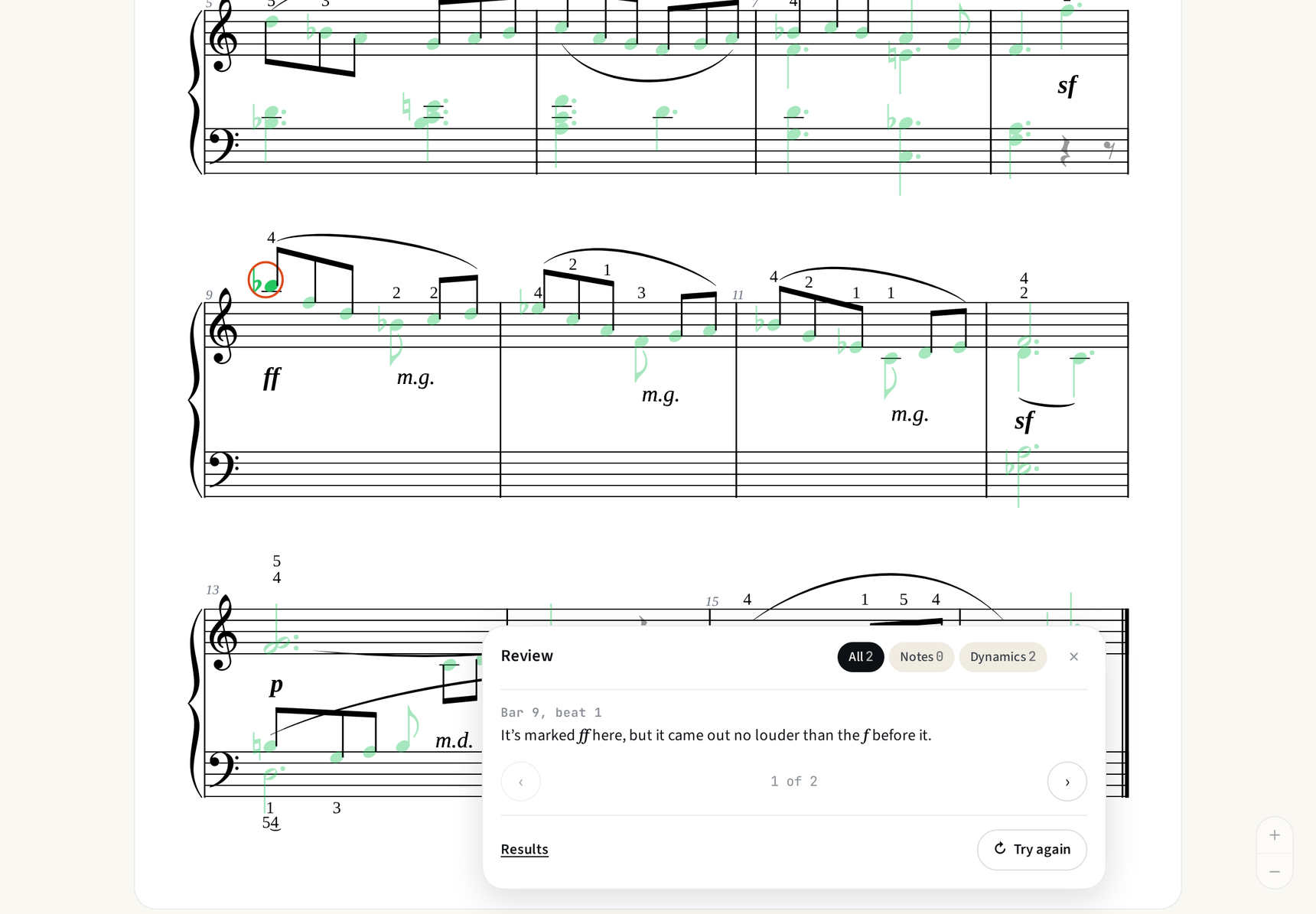
You can use a MIDI keyboard, or just the microphone on an acoustic piano. After each piece, it shows you exactly where you went wrong, which helped me see whether my problem was the notes or the rhythm. There’s a permanent free tier if you want to try it.
Happy to answer questions, and keen on feedback if anyone gives it a go!